

24 September
Search engine optimization (SEO)
On-Page SEO Guide: 9 Steps to Optimize Your Pages in 2026
- Mohamed ElSaeed
- On Page SEO, تحسين محركات البحث
- 0 Comments
On-page SEO is one of the foundations of search engine optimization because it focuses on improving the content, structure, and elements that exist directly on your web pages.
A strong on-page SEO guide should go beyond inserting keywords into headings. Effective optimization means helping search engines understand the page while giving visitors useful content, clear navigation, strong internal connections, fast performance, and a good overall experience.
Google’s own SEO Starter Guide emphasizes creating useful, organized content, descriptive links, accessible pages, and content designed primarily for people rather than manipulating search rankings.
In this guide, you’ll learn how to improve your pages step by step, from keyword selection and title optimization to images, internal links, performance, and user experience.
What Is On-Page SEO?
يشير On Page SEO إلى جميع عمليات On-page SEO refers to the improvements you make directly to a web page to help users and search engines understand its topic and purpose.
It includes areas such as:
- Page titles
- Content quality
- Search intent and keywords
- Heading structure
- Internal links
- Images and ALT text
- URLs
- Page performance
- User experience
On-page SEO works alongside technical SEO and off-page SEO. Technical SEO helps search engines access, crawl, render, and index a website correctly, while off-page SEO focuses more heavily on external signals such as backlinks and brand mentions.
The goal of on-page optimization is not to satisfy a checklist mechanically. It is to make each page the most useful and technically clear answer possible for the search intent it targets.كل هذه العناصر تساعد محركات البحث على فهم محتوى الصفحة وتحديد مدى أهميتها للباحثين.
Why Is On-Page SEO Important?
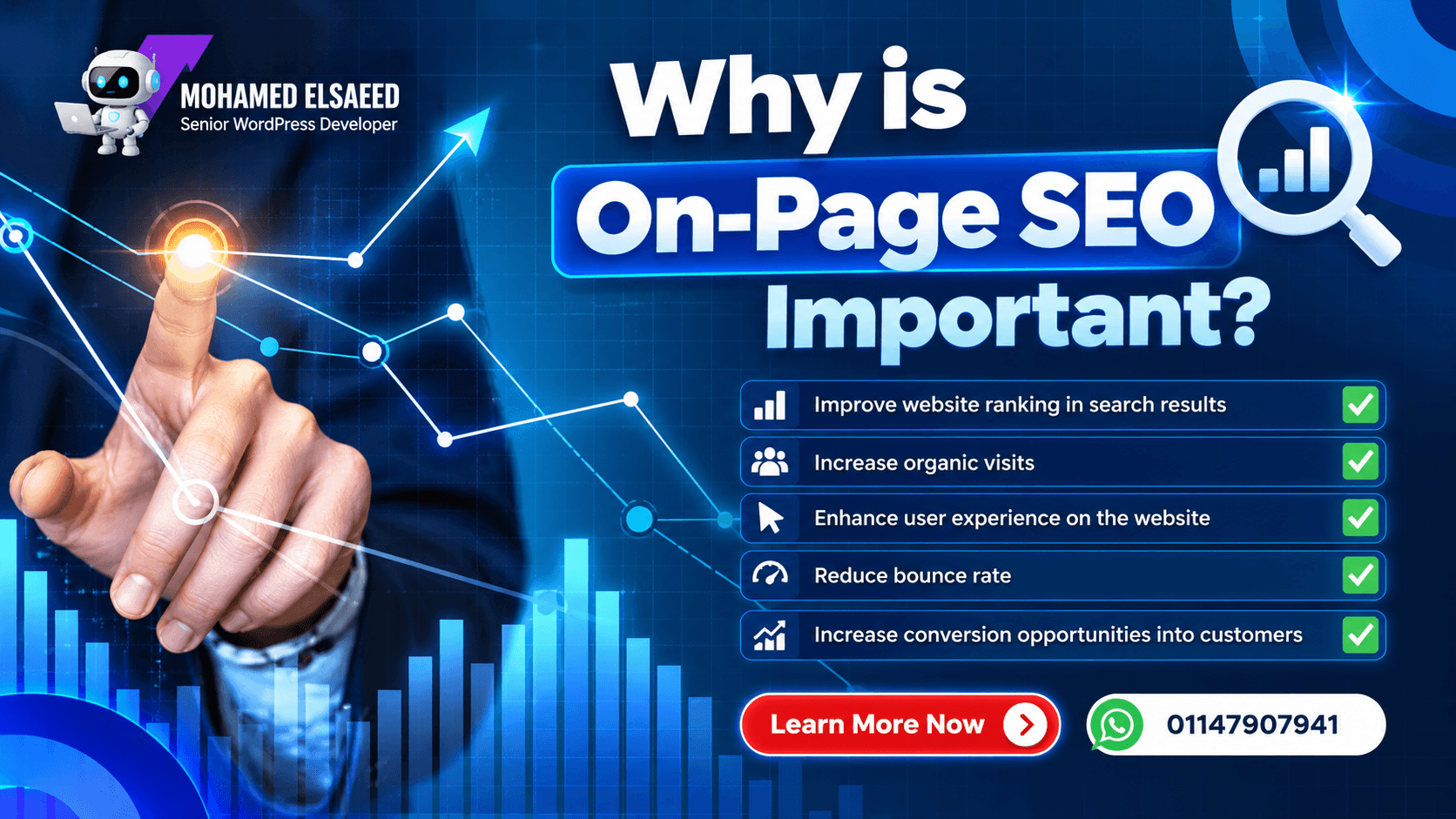
Search engines need to understand what a page is about before they can determine when it may be relevant to a search.
Well-structured on-page SEO can help clarify:
- The main topic of the page
- The questions the content answers
- The relationship between pages on your website
- The importance of individual sections
- The context of images and links
- The overall user experience
However, improving one SEO element does not guarantee higher rankings by itself.
Google explains that its systems evaluate many signals and that even excellent Core Web Vitals or page-experience results do not guarantee top rankings. Relevant, useful content remains fundamental.
For that reason, a professional SEO strategy combines useful content, strong site architecture, technical accessibility, performance, internal linking, and appropriate optimization rather than focusing on a single metric.
Essential On-Page SEO Steps
1. Choose the Right Primary Keyword
Every page should have a clear primary topic.
Keyword research helps you understand the language your audience uses when searching for information, services, or products.
Instead of choosing a keyword only because it has a high search volume, consider:
- Search intent
- Topic relevance
- Business value
- Competition
- Your site’s authority
- The questions behind the search
- Related terms and entities
For example, someone searching:
“WordPress hosting in Egypt”
has a different intent from someone searching:
“how does web hosting work?”
The first query has stronger commercial and geographic intent, while the second is primarily informational.
Your primary keyword should describe the page naturally. Secondary keywords and related terms can then strengthen the topic without forcing the same phrase into every paragraph.
If your page targets WordPress businesses, for example, you can naturally connect relevant content such as my WordPress hosting guide for Egypt and Saudi Arabia when it genuinely helps the reader.
2. Optimize the SEO Title
Your page title is one of the strongest signals users see when deciding whether a search result is relevant.
A strong title should:
- Clearly describe the page
- Reflect search intent
- Include the main topic naturally
- Be distinctive from other pages on your website
- Avoid keyword stuffing
- Encourage the right visitor to click
Google recommends concise, descriptive title elements and explicitly states that there is no fixed character limit for the HTML title. Search results may truncate titles as needed based on the device and available width.
Instead of obsessing over an exact character count, prioritize clarity.
For example:
Weak title:SEO SEO Services Best SEO On Page SEO Website SEO
Better title:On-Page SEO Guide: 9 Steps to Optimize Your Pages
Google may also generate a different title link using the page’s <title>, main heading, prominent text, anchor text, or other signals if it believes another version better represents the page.
3. Write a Helpful Meta Description
A meta description provides a concise summary of the page and may be used as the snippet displayed in search results.
A good description should communicate:
- What the page covers
- Why it is useful
- Who it is for
- What the reader can expect
Include the main topic naturally, but avoid turning the description into a list of keywords.
Google does not impose a fixed 150- or 160-character maximum. Snippets are shortened when necessary to fit the available device width, and Google may generate a snippet directly from the page content instead of using your meta description.
A useful example:
Learn the essential on-page SEO steps for optimizing titles, content, images, internal links, page speed, and user experience.
You can read Google’s official guidance for writing search snippets and meta descriptions for the latest recommendations.
4. Use Headings to Organize the Page
Heading structure helps readers scan long content and understand how information is grouped.
A practical structure looks like:
H1 → Main page topic
H2 → Main sections
H3 → Subsections inside those sections
The purpose is not to force keywords into every heading.
Headings should describe what the next section actually contains.
For example:
H1: On-Page SEO Guide
H2: Essential On-Page SEO Steps
H3: Optimize the SEO Title
This makes a long article easier to consume and creates a clearer content hierarchy.
The main visible title should also be distinctive and obvious. Google notes that it can use prominent page headings, including the primary visible heading, when generating title links.
5. Optimize Content for Search Intent, Not Keyword Density
Content remains the core of most informational SEO pages.
Your content should:
- Answer the searcher’s question
- Cover the topic sufficiently
- Explain important concepts clearly
- Include original insight where possible
- Use relevant terminology naturally
- Avoid unnecessary repetition
- Make important information easy to find
There is no ideal keyword density percentage that guarantees rankings.
Repeating the primary keyword simply to reach a number can make the content harder to read and may become keyword stuffing. Google specifically advises against repetitive keyword stuffing in titles and content designed to manipulate rankings.
Instead, build topical depth.
For an article about WordPress performance, for example, related concepts could naturally include:
- Page caching
- Core Web Vitals
- CDN
- LCP
- JavaScript
- image optimization
- hosting
- Elementor
If performance is relevant to the topic, you can guide readers to a deeper resource such as my WordPress speed optimization plugins guide rather than repeating everything in one article.
6. Optimize Images for SEO and Performance
Images improve readability and can help explain ideas visually, but oversized or poorly implemented media can also slow down a page.
For each important image, consider:
- Appropriate dimensions
- Compression
- Descriptive file name
- Helpful ALT text
- Modern formats such as WebP or AVIF where appropriate
- Responsive image delivery
ALT text should describe the image in context rather than being used as another place to stuff keywords.
For example:
Weak ALT:SEO SEO on page SEO best SEO
Better ALT:On-page SEO checklist showing content and technical optimization steps
Google’s Image SEO best practices emphasize placing images near relevant text and using descriptive ALT text that helps users and search engines understand the image’s context.
Performance matters too. Large images can negatively affect loading, especially when the largest above-the-fold image becomes the page’s LCP element.
7. Build Useful Internal Links
Internal links connect related pages on your own website.
They help visitors discover deeper information while helping search engines understand the relationship between pages.
Google recommends using descriptive, concise anchor text and ensuring important pages are linked from other relevant pages on the site.
For example, an SEO article can naturally link to supporting subjects rather than placing a generic “read more” block at the bottom.
If you’re optimizing an ecommerce site, you could continue with my WooCommerce setup guide.
When discussing site speed, link naturally to the WordPress performance optimization guide.
When explaining the importance of a strong technical foundation, you can link to the WordPress hosting guide.
Good anchor text tells the reader what they will find after clicking.
Google’s SEO link best practices provide more detail about crawlable links, anchor text, and internal linking.
8. Improve Page Speed and Core Web Vitals
Website performance influences user experience and is part of the wider page-experience picture.
A practical performance strategy may involve:
- Compressing images
- Using caching
- Optimizing CSS
- Optimizing JavaScript
- Improving font loading
- Using a CDN
- Reducing unnecessary third-party scripts
- Choosing suitable hosting
- Avoiding oversized DOM structures
Google confirms that Core Web Vitals are used by its ranking systems, while also emphasizing that strong Core Web Vitals alone do not guarantee top rankings.
This distinction is important.
Do not break your navigation, animations, forms, or responsive design simply to achieve a perfect performance score.
The goal is a fast and usable website.
If WordPress performance is a current problem, see my guide to the best WordPress speed optimization plugins for a deeper look at WP Rocket, LiteSpeed Cache, Cloudflare, image optimization, and related tools.
9. Improve the Overall User Experience
On-page SEO and UX are closely connected because a page that is difficult to use can undermine otherwise strong content.
Your website should provide:
- Responsive layouts
- Clear navigation
- Readable typography
- Logical content structure
- Accessible buttons and links
- Fast interaction
- Secure HTTPS
- Minimal intrusive interruptions
- Clear distinction between primary content and other page elements
Google’s page-experience documentation recommends thinking about the overall experience, including Core Web Vitals, mobile usability, secure delivery, intrusive interstitials, and whether users can clearly identify the main content.
You can review Google’s page experience guidance for the current recommendations.
Common On-Page SEO Mistakes
Several common mistakes can weaken otherwise useful content.
Keyword Stuffing
Repeating the exact same keyword unnaturally throughout the page can reduce readability and make the content feel written for search engines instead of people.
Use natural language and cover the topic comprehensively.
Weak or Generic Titles
Titles such as:
HomeServicesArticle 1
provide little context.
Create descriptive page titles that help visitors understand what the result contains.
Thin or Duplicate Content
Publishing many pages that say almost the same thing can create a weak site structure.
Each important page should have a clear purpose and offer meaningful value.
Ignoring Image Optimization
Large images increase page weight, while missing or irrelevant ALT text reduces context and accessibility.
Optimize both the technical size and semantic description of important images.
Poor Internal Linking
Important pages should not become isolated from the rest of your website.
Connect articles, services, portfolio projects, and commercial pages when the relationship is useful to the visitor.
For example, readers who want professional implementation rather than doing everything themselves can explore my WordPress development services directly from relevant technical content.
Optimizing Only for SEO Tools
A green score in an SEO plugin is useful as a checklist, but it is not a Google ranking guarantee.
Tools such as Rank Math can help identify missing elements, but the final page still needs to satisfy real users and search intent.
Your objective should be:
Useful content + clear structure + technical accessibility + good experience
not merely reaching 100/100 inside a plugin.
Conclusion
On-page SEO is one of the most important areas of website optimization because it improves the pages that users and search engines interact with directly.
A strong on-page SEO guide includes much more than adding a primary keyword.
It requires attention to:
- Search intent
- Titles
- Meta descriptions
- Headings
- Content quality
- Images
- Internal links
- Website performance
- User experience
Most importantly, on-page SEO should be treated as an ongoing process.
Pages may need to be updated as search behavior changes, information becomes outdated, new internal content is published, or your website architecture develops.
Google’s own documentation consistently emphasizes creating content and experiences designed to help users rather than relying on isolated SEO tricks.
If you’re building or improving a WordPress website and want the development, performance, UX, and SEO foundations planned together, you can learn more about my WordPress development services or read more about my work as a WordPress Developer and UI/UX Designer.
If you already have a website that needs improvement, you can also discuss your website directly with me on WhatsApp.



Leave A Comment